 Müsick
Müsick for iPhone
Always know what's playing
Your music, on your phone, played from your phone. Now Playing shows the whole title, the whole album and the artist, however long they are, so the live take, the remaster and the single never get mixed up.
Requires iOS 17 or later.
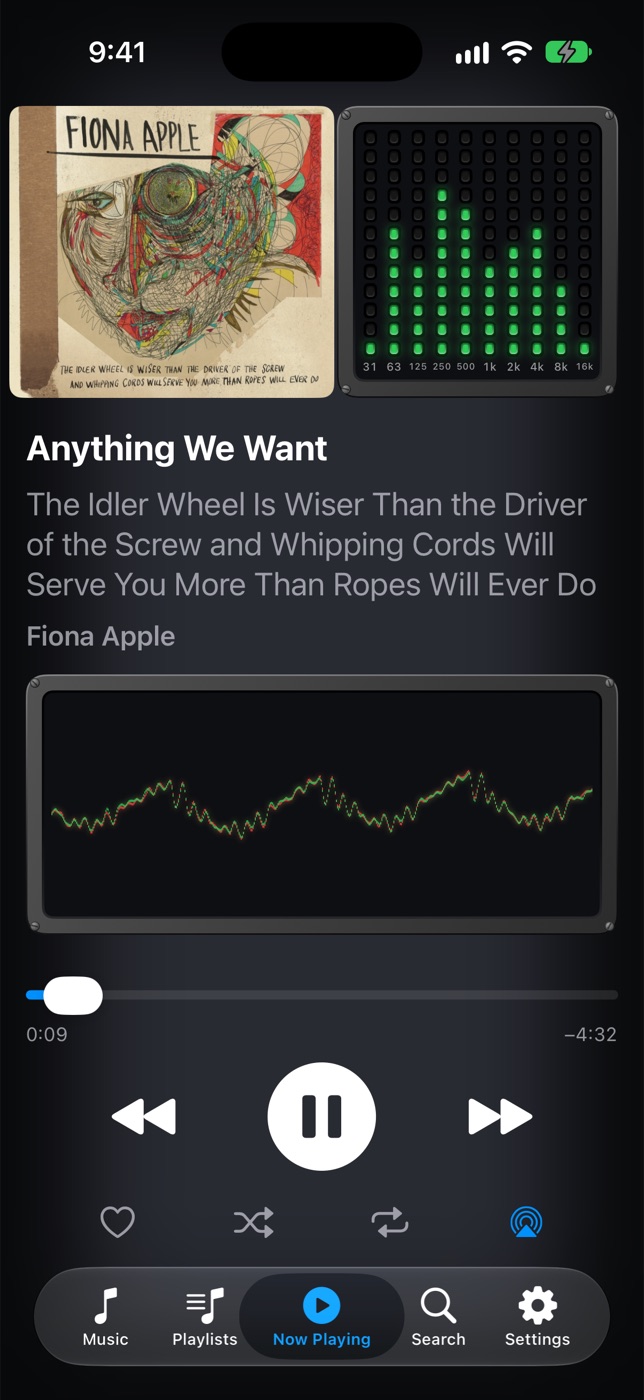
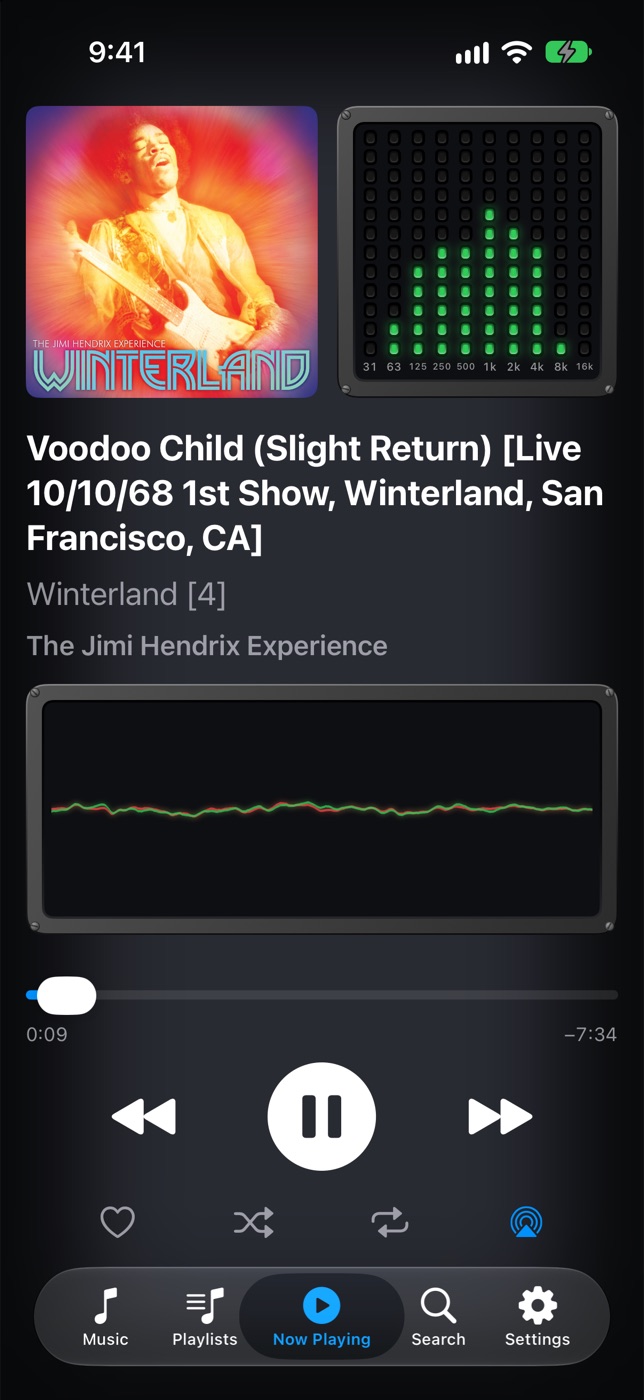
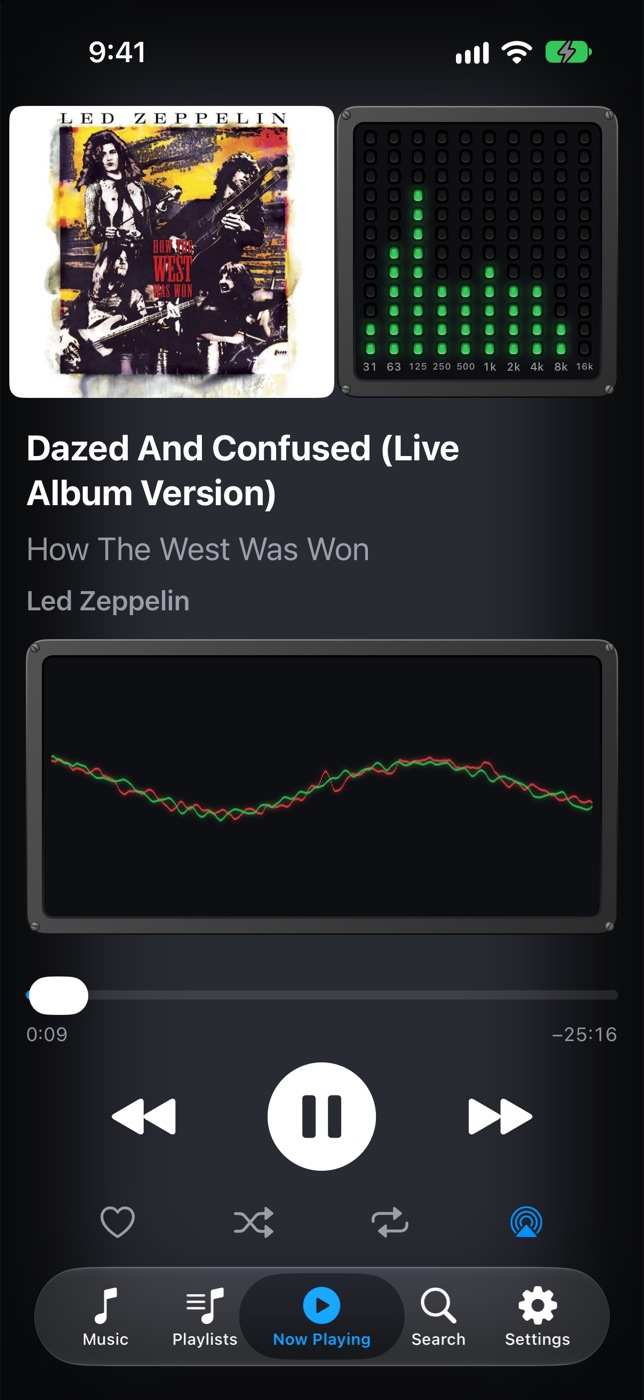
Now Playing, designed around the words
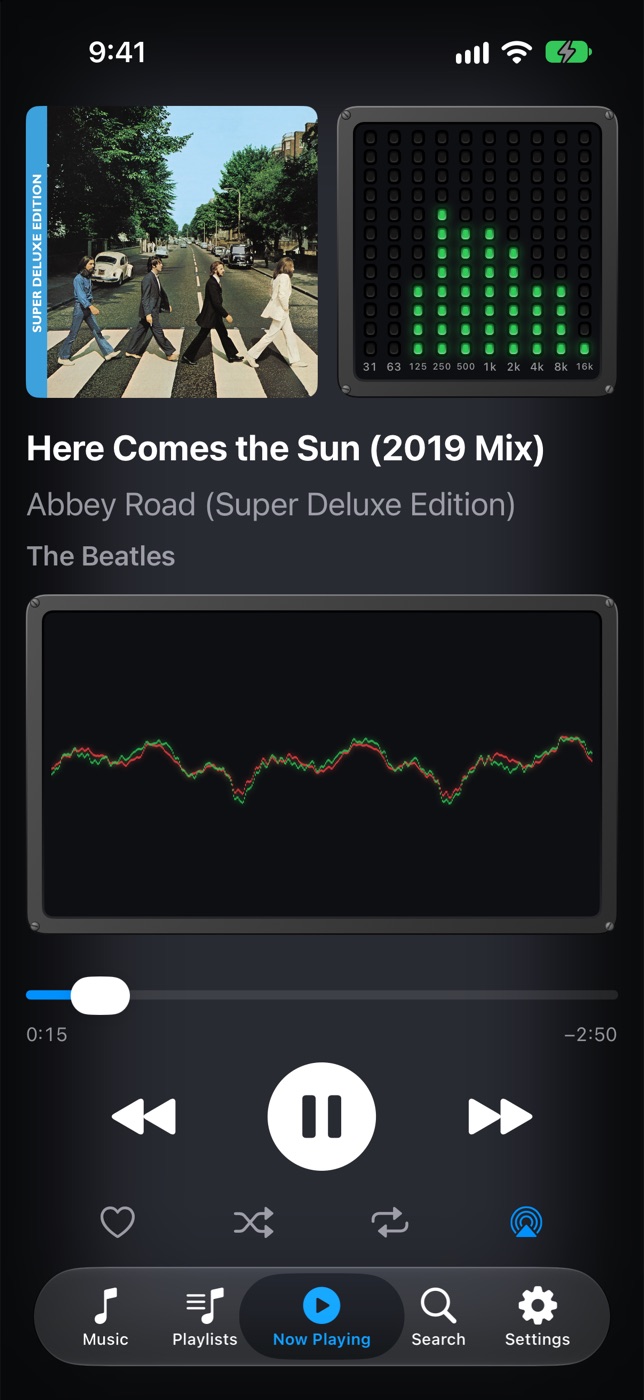
Album art and a ten-band spectrum analyzer across the top. Below them, title, album and artist, each wrapped onto as many lines as it needs and never cut short. When there's room left, an oscilloscope draws the waveform as it plays. The controls stay put at the bottom, the same size and in the same place for every song, so your thumb always finds them.
Playback
Played from the phone, never the network
Every song is stored on the iPhone before it plays, so nothing buffers, nothing skips in a tunnel, and nothing waits for a download. Albums play gaplessly, with the next song lined up to the exact sample where the last one ends.
Shuffle, repeat, favorites, AirPlay, and the lock screen and Control Center controls you'd expect.
Browse
Dense lists, made for big libraries
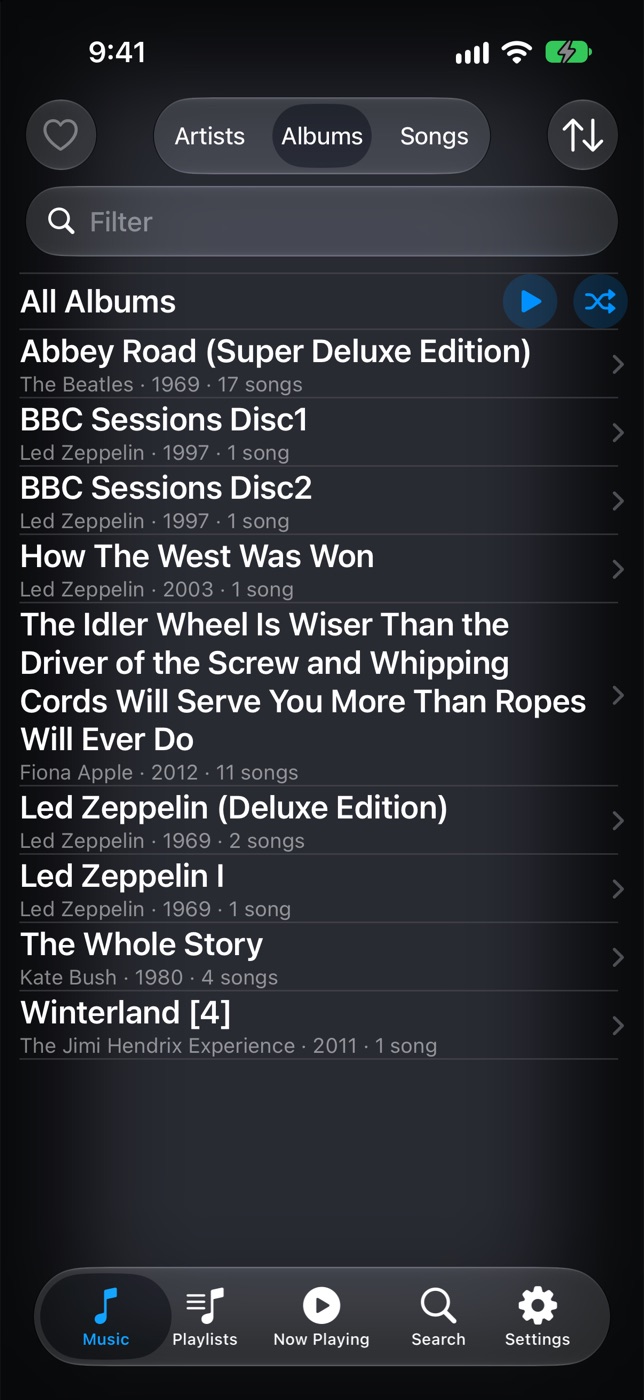
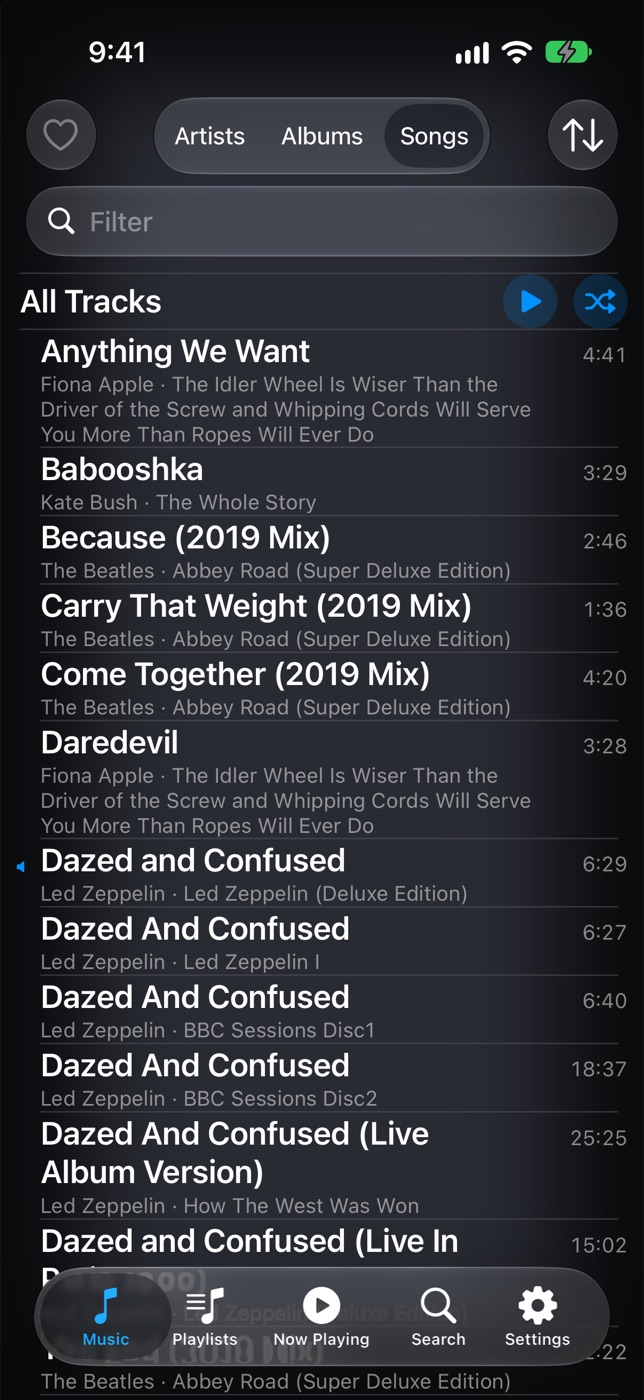
Artists, albums and songs in tight rows that read as text, not whitespace, so a long library is quick to scroll. Long titles still wrap in full. Search finds titles, artists and albums, and remembers what you looked for.
With a Mac
Synced from Müsick on your Mac
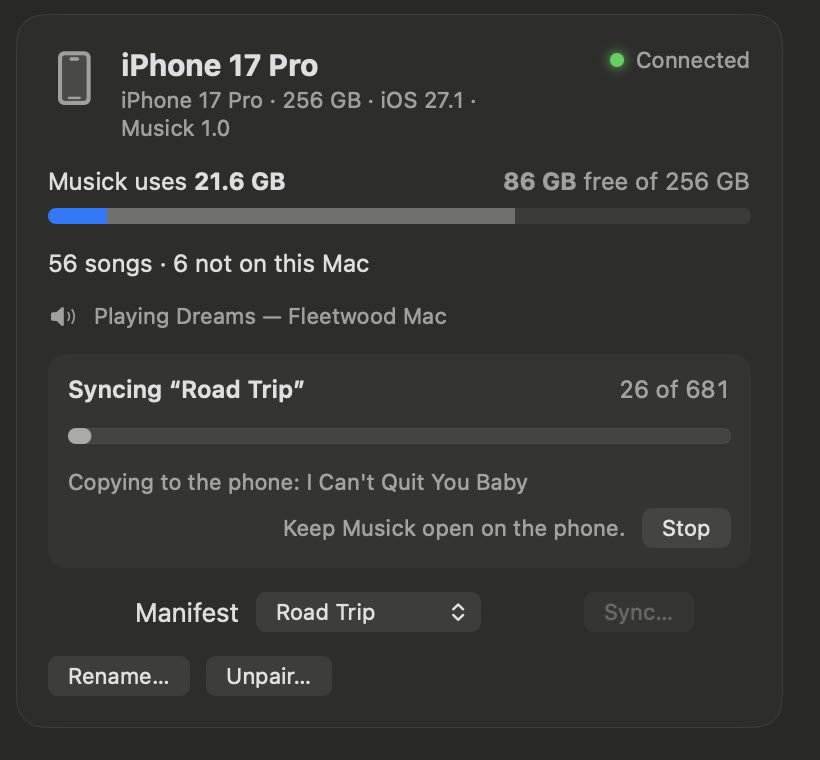
Pair the phone with Müsick for Mac once, comparing four digits on the two screens. Then choose a manifest on the Mac and press Sync: the phone ends up with exactly those songs and playlists, sent over your own Wi-Fi and encrypted on the way.
Songs that only the phone has are offered to the Mac before the sync replaces them, so nothing is lost by accident.
No Mac? Bring it from iCloud
Copy music into the Müsick folder in iCloud Drive from any computer, and the phone brings it in, one song at a time, so it needs barely more free space than the music itself. Clear the folder afterwards and the music stays on the phone.
Or from the Music app
Songs already on your iPhone in the Music app, the ones you bought or synced, come in with a tap. Apple Music downloads can't, because only Apple's player can play them.
Storage, under your control
Manage Storage lists your artists and albums biggest first, with a running total of the space you'd get back. Nothing leaves the phone unless you remove it, or a sync you start from the Mac replaces it.